
One design system across three security products
Most of Exabeam's traction came from Advanced Analytics, a machine-learning tool for behavioral analytics. The logs product was still early, and Incident Response hadn't shipped yet. Together, the three made up a SIEM platform, but they didn't look or behave like one product.
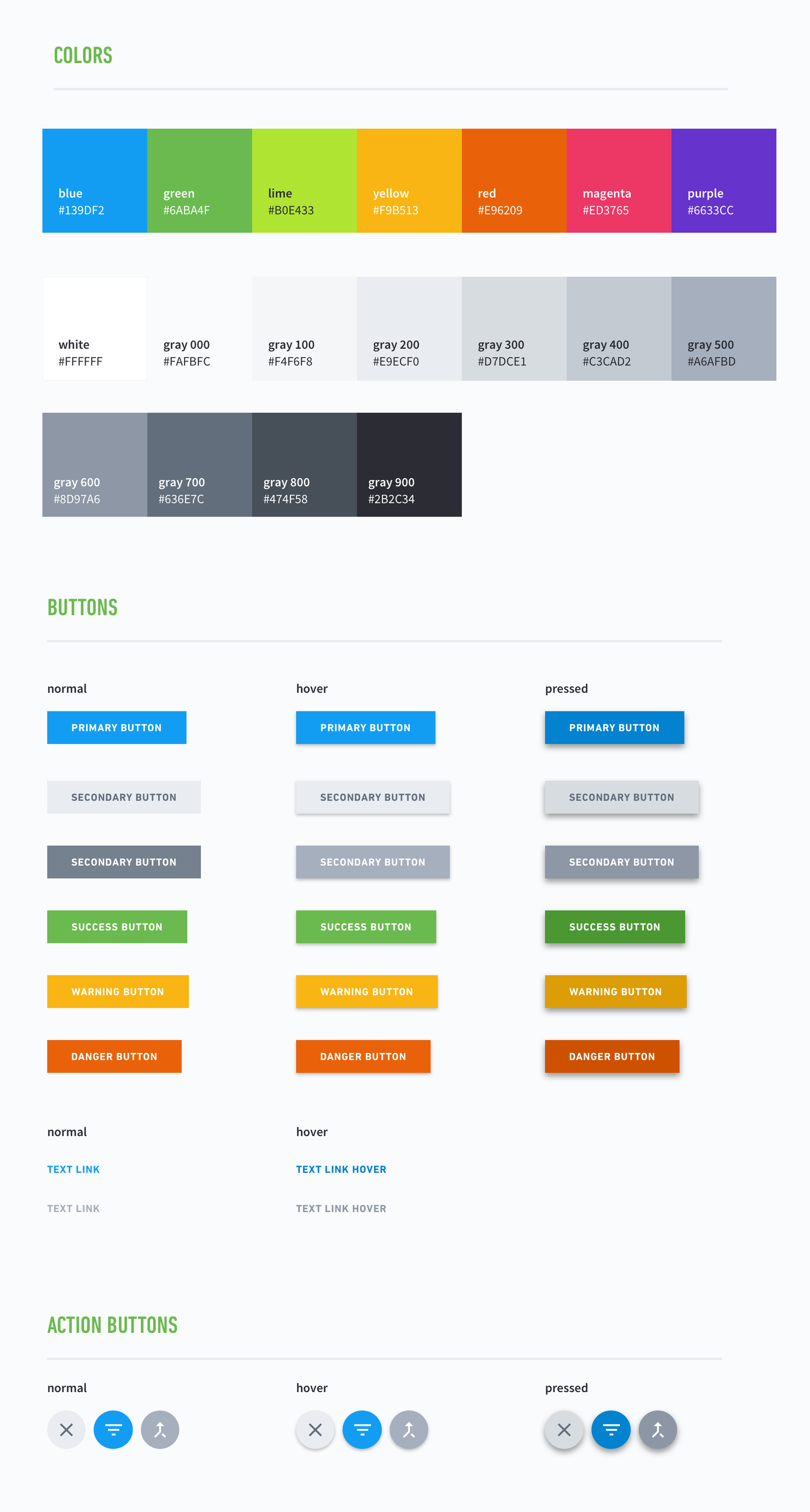
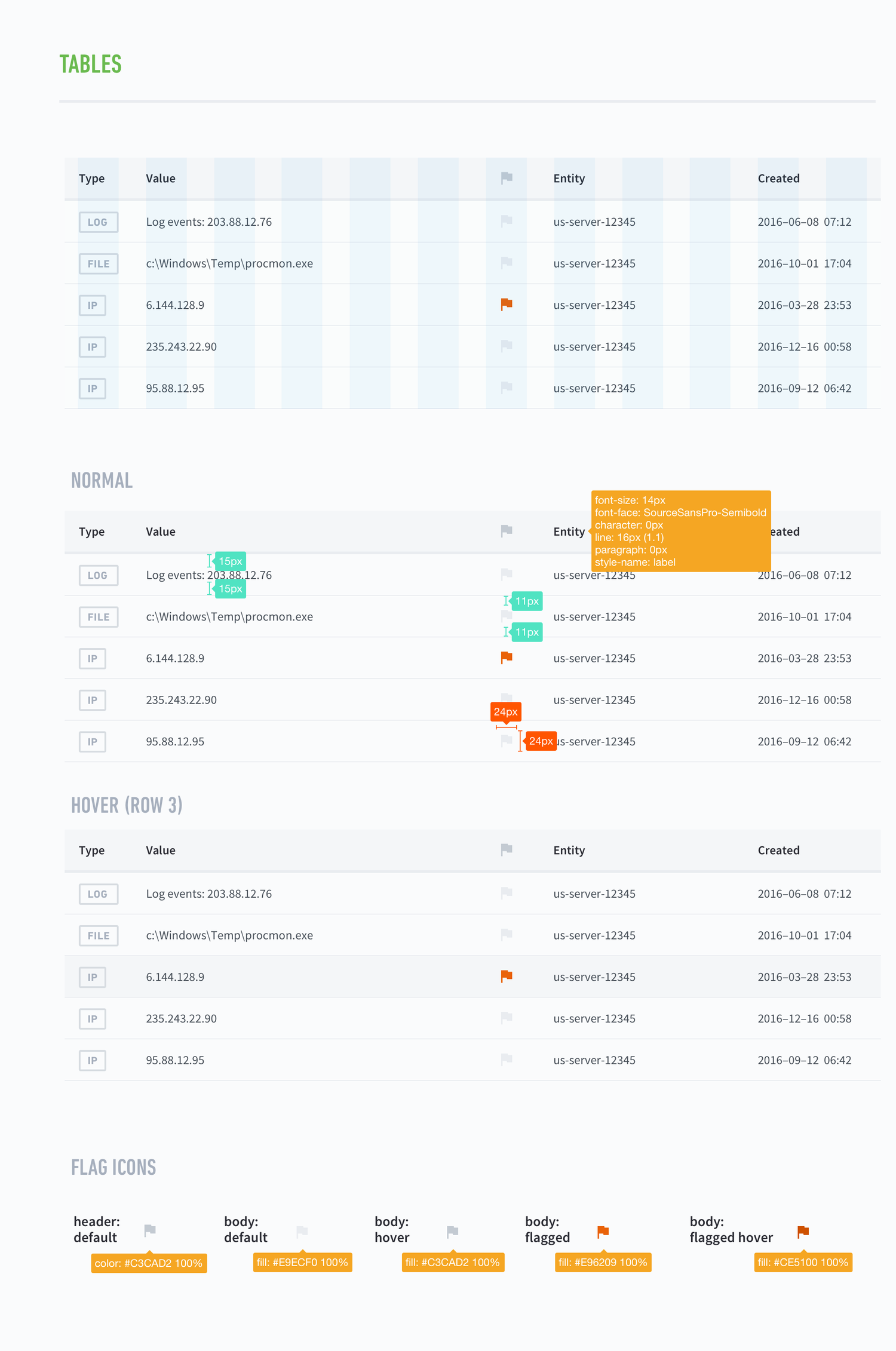
I joined as the first product design lead, just as the team began introducing a scalable pattern library and platform-wide journey maps to close those gaps. Our goal was a design system that stayed consistent across every product and flow, and that could be extended using the principles we set.
Alongside primary research with customers, we did solution research and audited the existing platform against the user feedback that had built up over time.
We sorted feedback from support tickets, customer success calls and interviews into "how might we" columns, and the team voted on them. That way each quarter's roadmap started from what analysts had already told us was hard: restarting a data pipeline, managing certificates, reading the risk chart, and understanding what the models were doing.
Affinity board: feedback sorted into how-might-we columns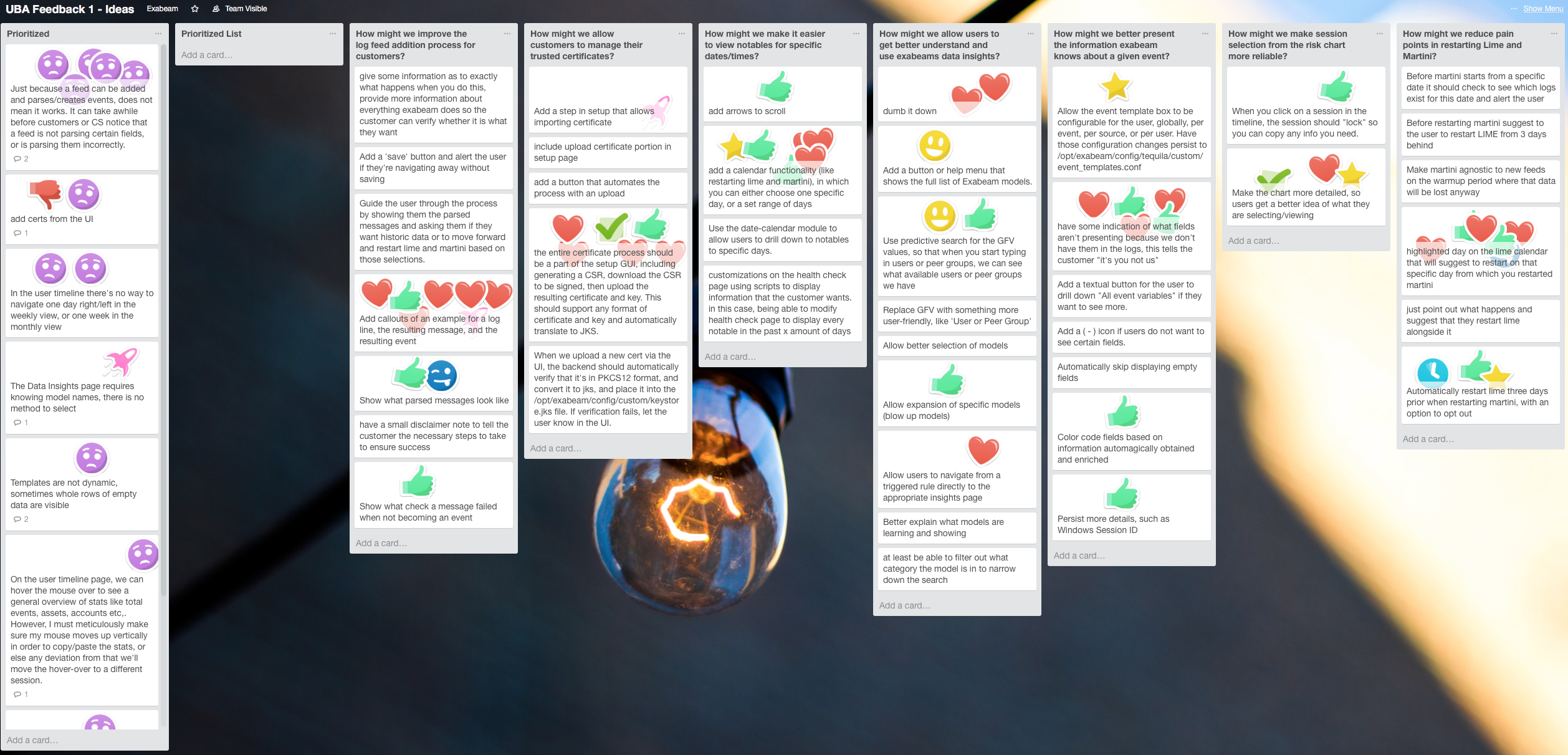
Advanced Analytics scored risk by comparing a user or asset against its peers, such as people in the same role or machines in the same zone. The grouping was computed rather than configured, and it changed as behavior changed. That made the scores accurate but the interface opaque: an analyst saw a number with no way to find out which peers it was being measured against.
We dug into user needs, identified what data the UI would need to support, and worked out how the UI would adapt and scale across different data sets and customers.
Asset header: peer group surfaced on expand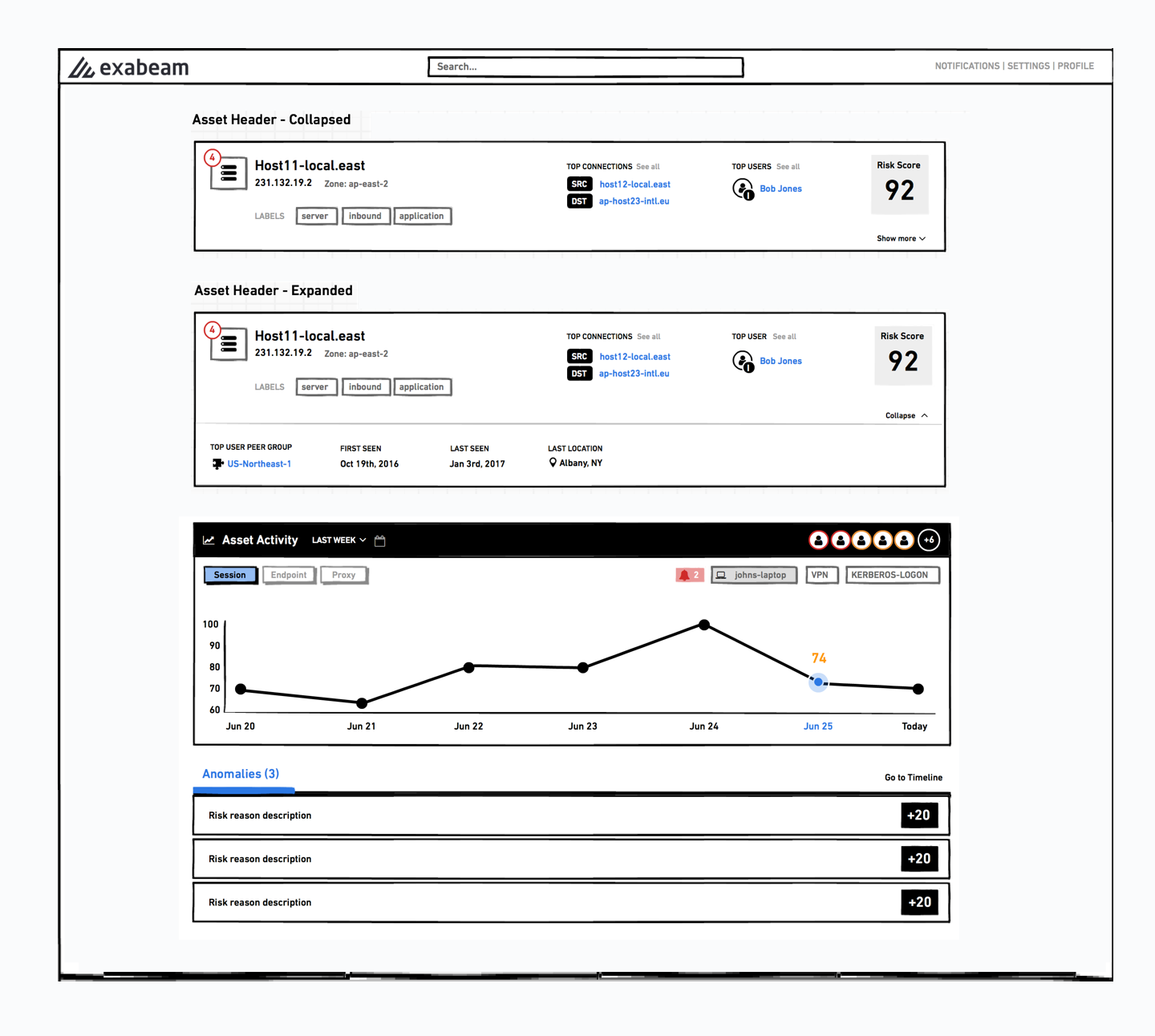
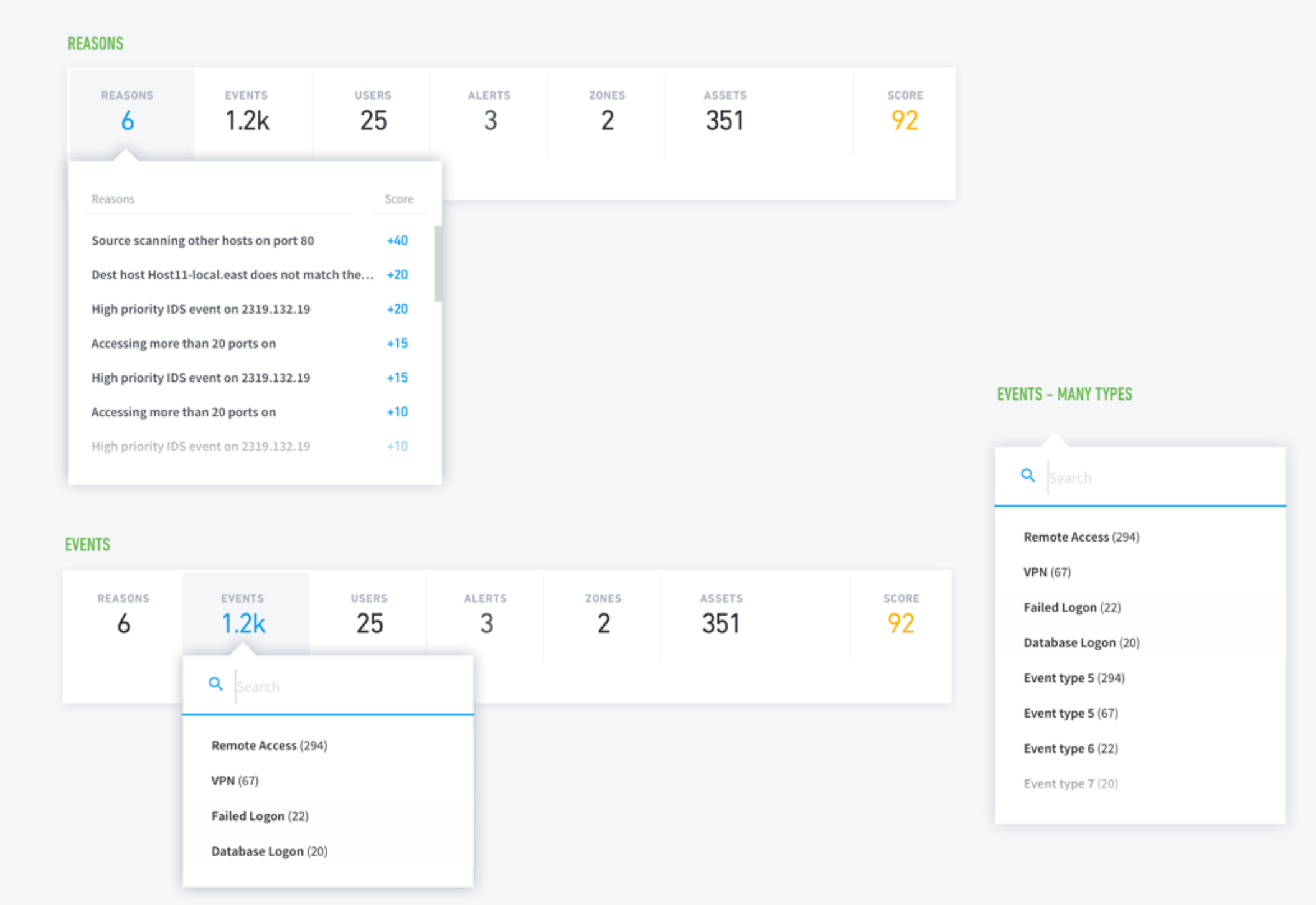
We made peer group a first-class field in the entity header instead of a setting buried elsewhere, and rewrote risk reasons to name the comparison in plain language. For example, "Access to 519 assets, expected around 6 for group IT" instead of a bare score contribution.
The collapsed header shows the score and the top connections, and expanding it reveals peer group, first seen, last seen and last location. That way an analyst under pressure sees the number first and can get to the reasoning when they need it.
Risk reasons naming the peer-group comparison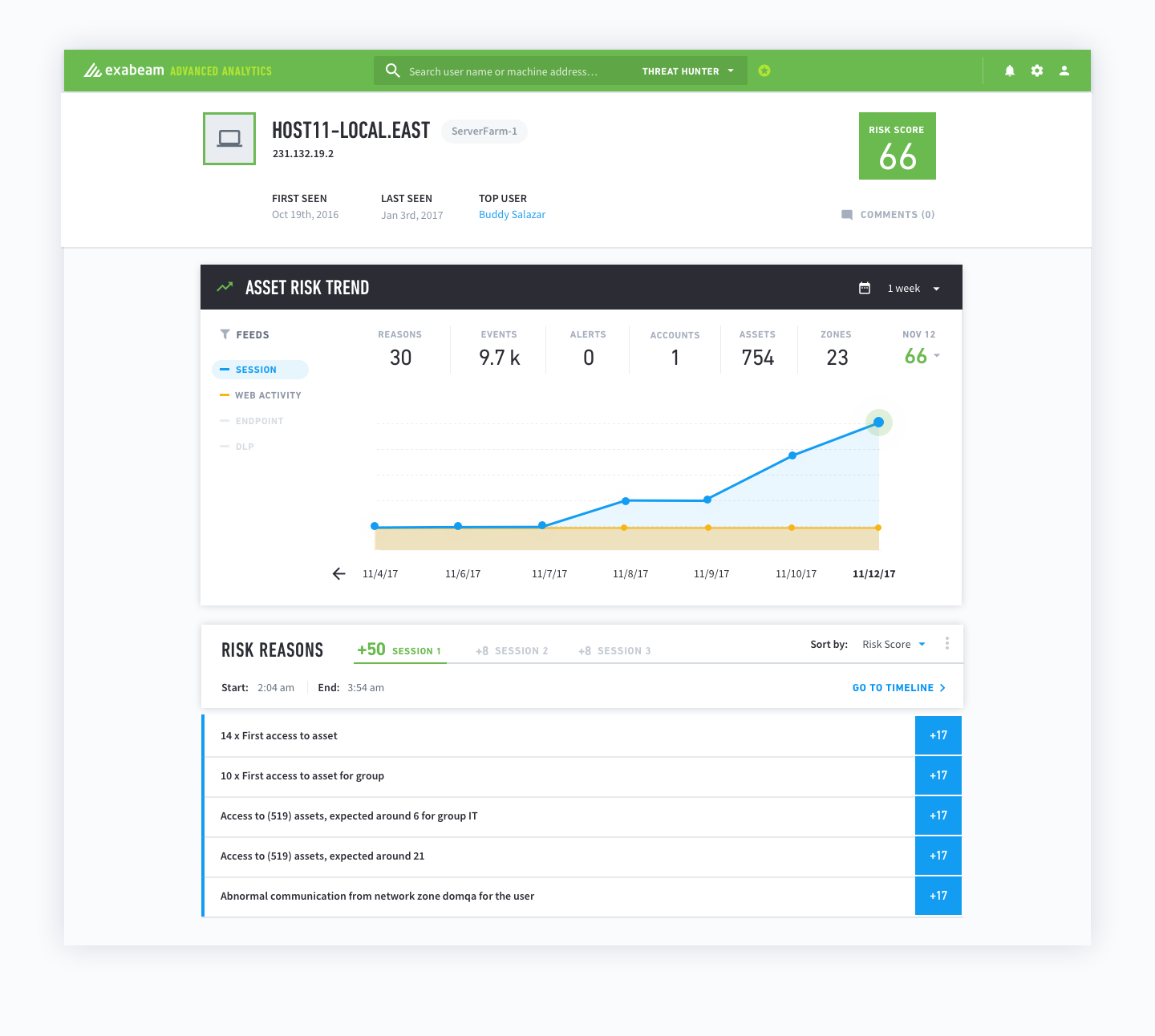
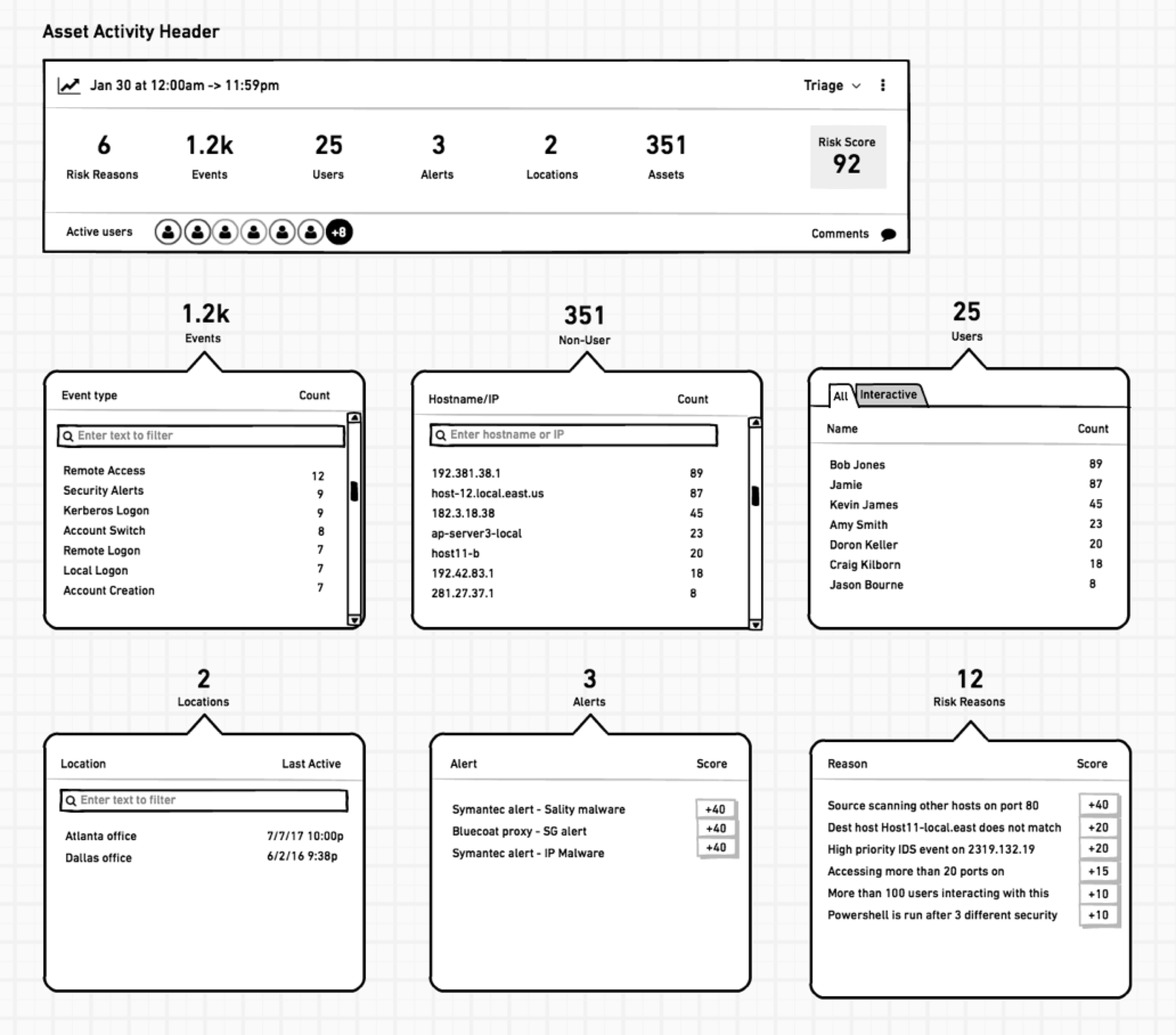
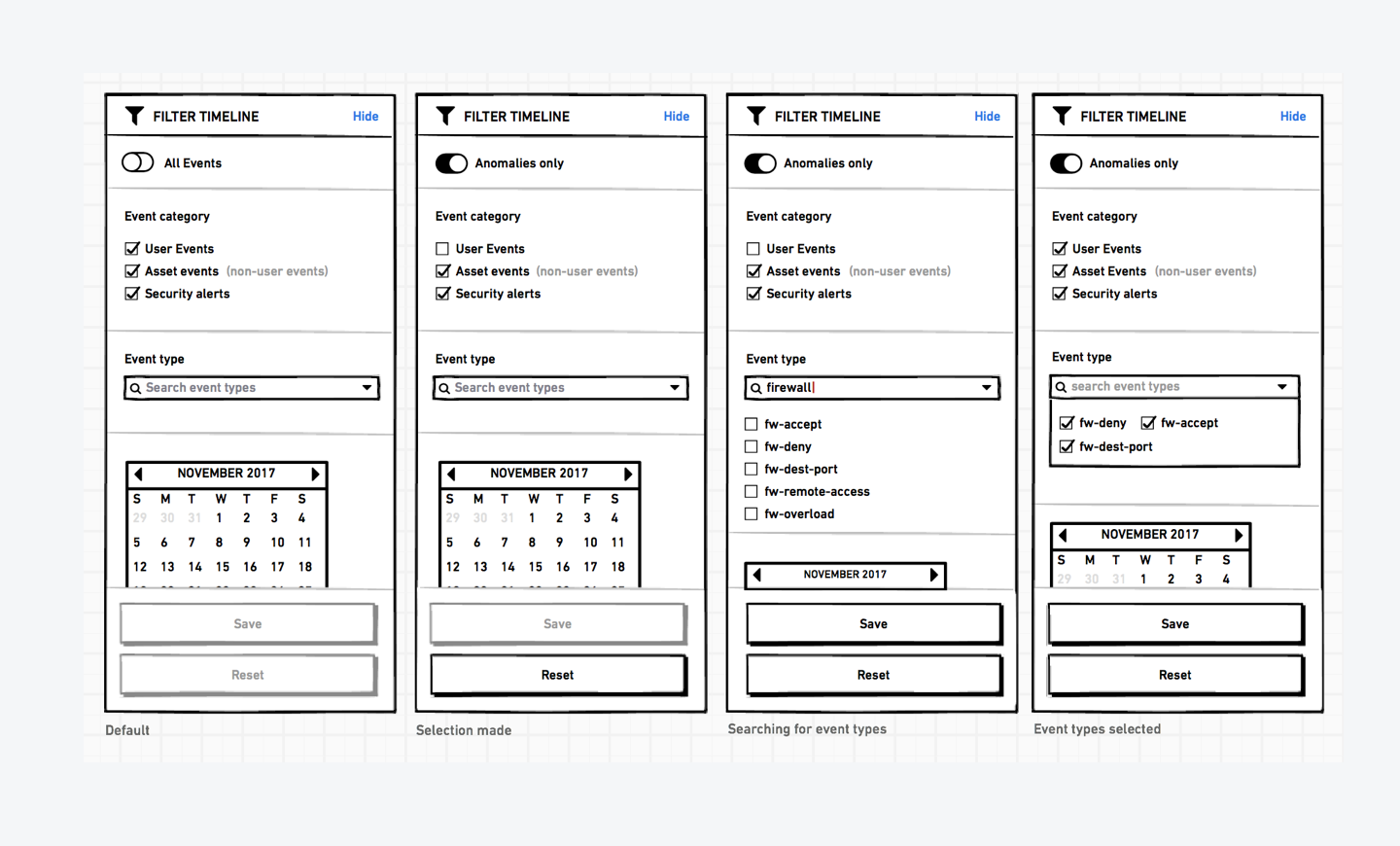
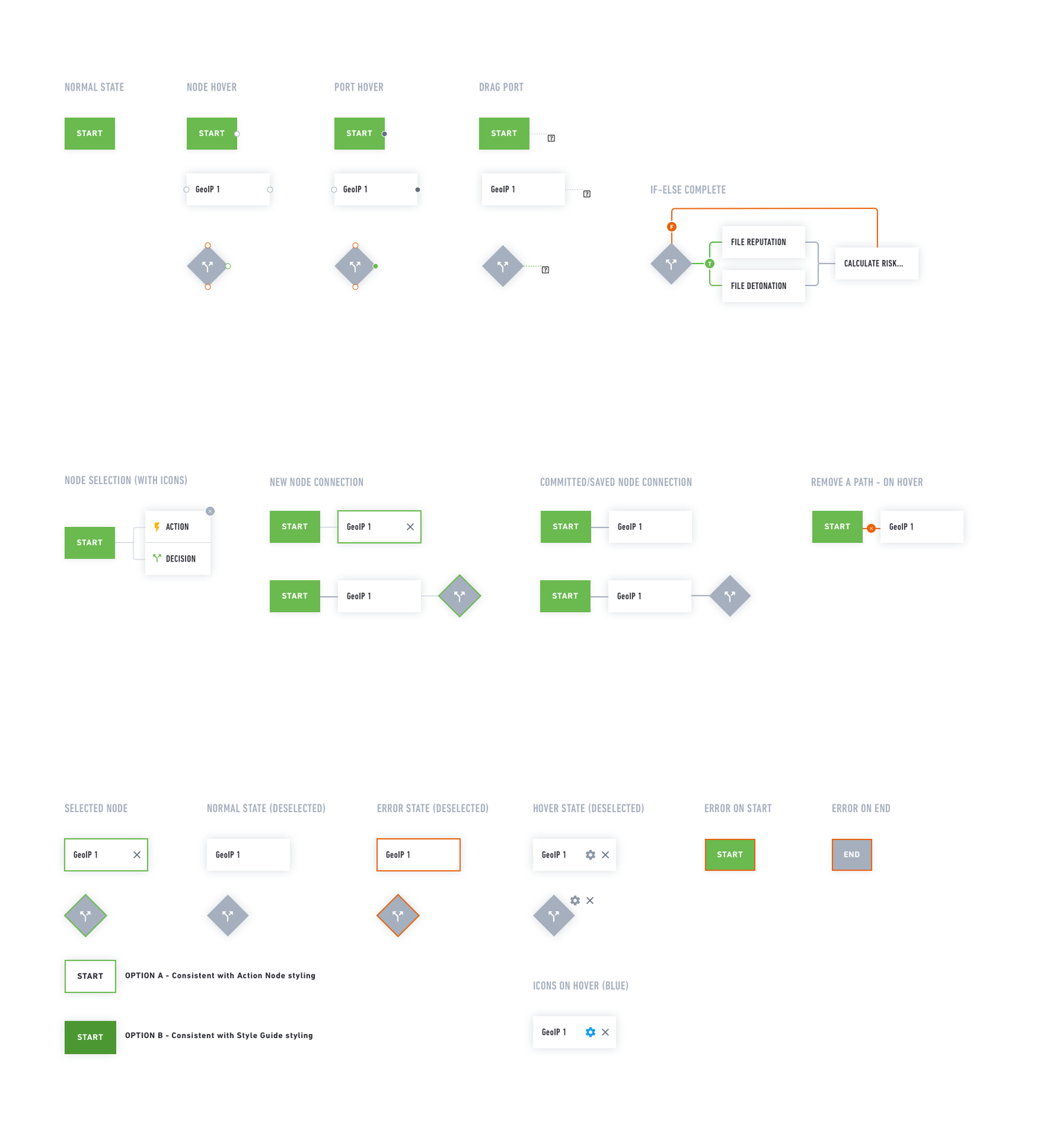
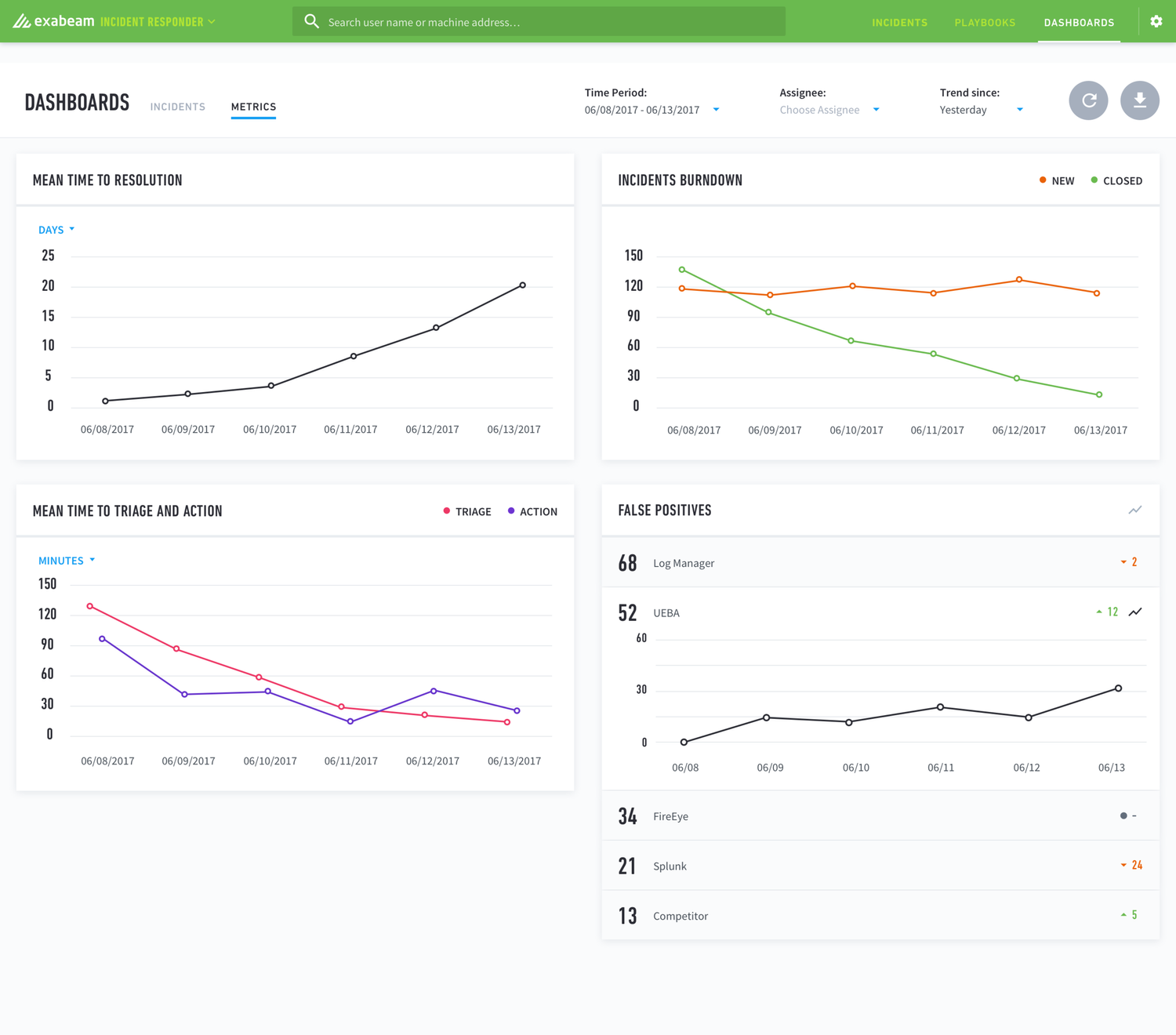
The work I've carried with me most from here was the chart system: deciding how to label axes, when a legend is worth the space, what a tooltip should tell the reader, and how a view holds up at different zoom levels over time.